...
| Section |
|---|
| Column |
|---|
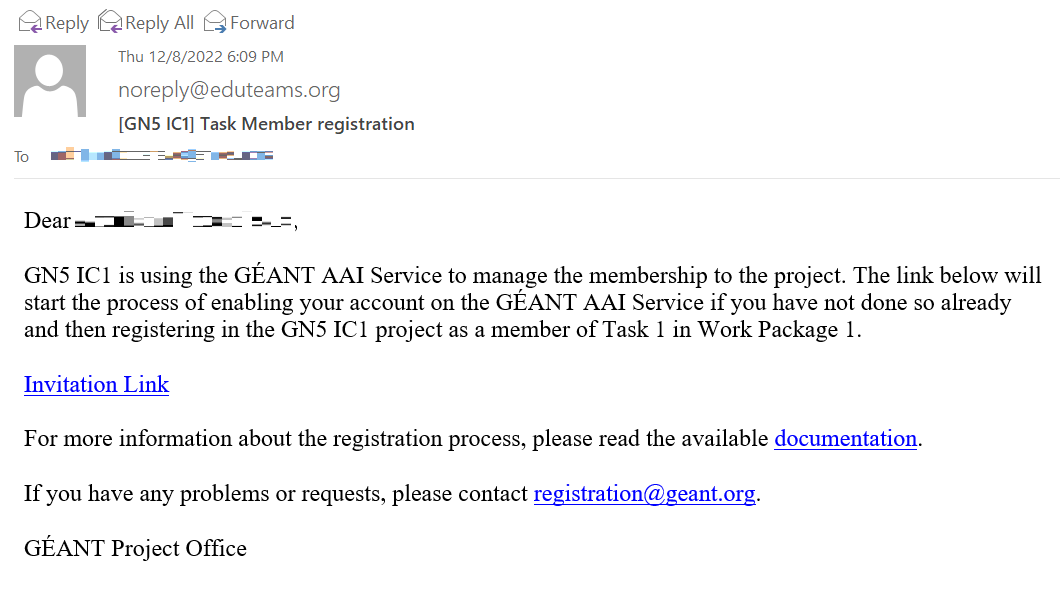
| Step 1: You will receive an email invitation to register on the GÉANT AAI Service. |
| Column |
|---|
| 
|
|
...
After clicking on the registration link, you will see the Discovery screen of the GÉANT AAI Service. Please choose your Home institution. |
|
...
| Column |
|---|
|  Image Added Image Added
|
|
| Section |
|---|
| Column |
|---|
| Step 3: After you authenticate, you will see the GÉANT AAI Service Registration screen. Make sure that your name and email address are correct. | Info |
|---|
Note: If you have changed your institution's email, you will receive an email with a verification link. If you haven't changed it, then you don't need to verify your email and move to Step 6. |
After successful registration to the GÉANT AAI Service you will receive a confirmation email. |
|
...
| Column |
|---|
| 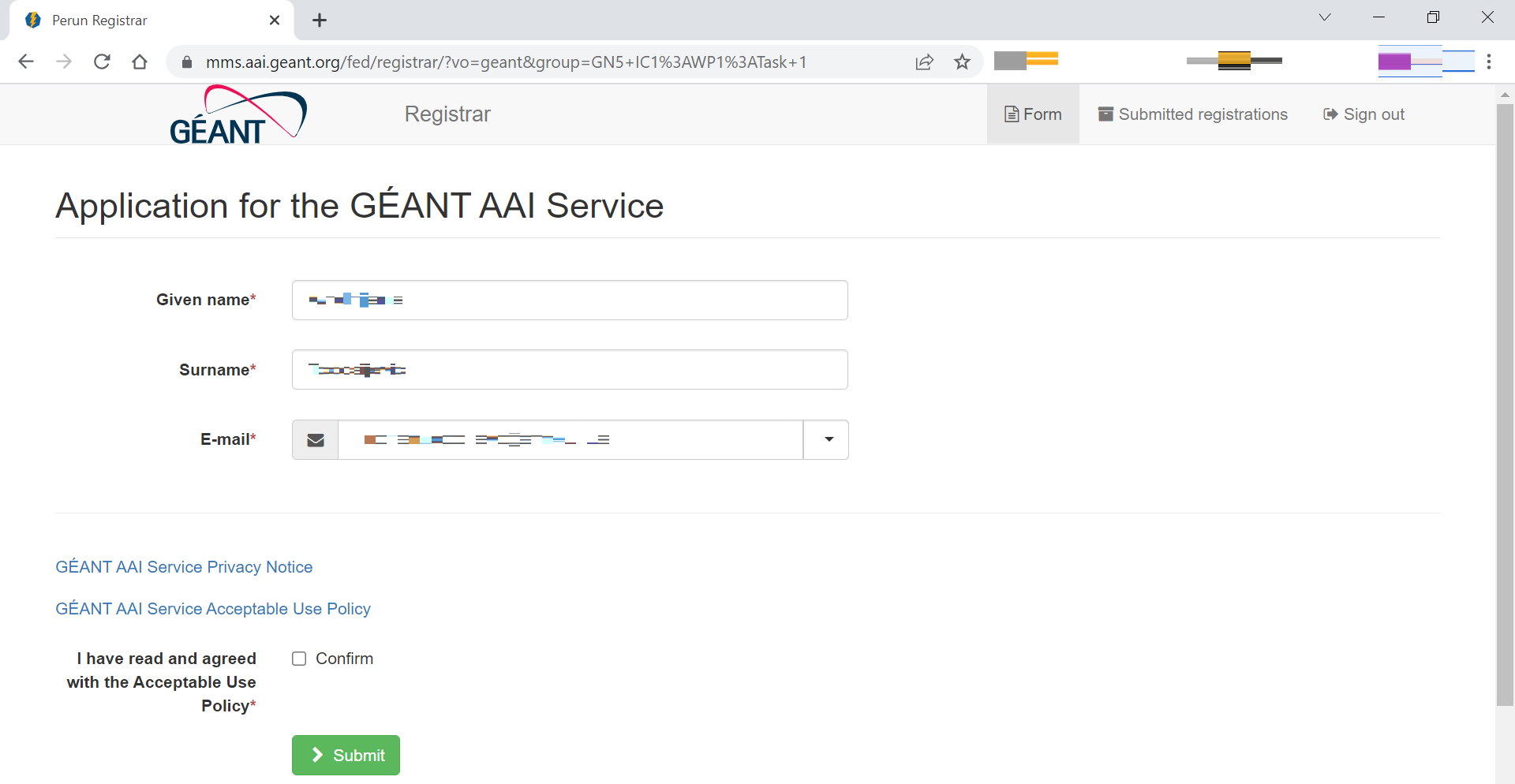 Image Added Image Added
 Image Added Image Added
|
|
Step 4:
After you submit the registration form, you will see the following screen and you will receive an email asking to verify your email address by clicking on a verification link.
...
After you click on the verification link, you will see the email verification screen and you will receive a confirmation.
Screenshot
Screenshot
| Section |
|---|
| Column |
|---|
| Step 6: After filling in the registration form for the GÉANT AAI Service, you will see the registration form for the GN5-1 and GN5 IC1 projects membership. |
|
...
| Column |
|---|
|
 Image Added Image Added
|
|
| Section |
|---|
| Column |
|---|
| Step 7: After you submit the registration form, you will receive a confirmation email. |
| Column |
|---|
| 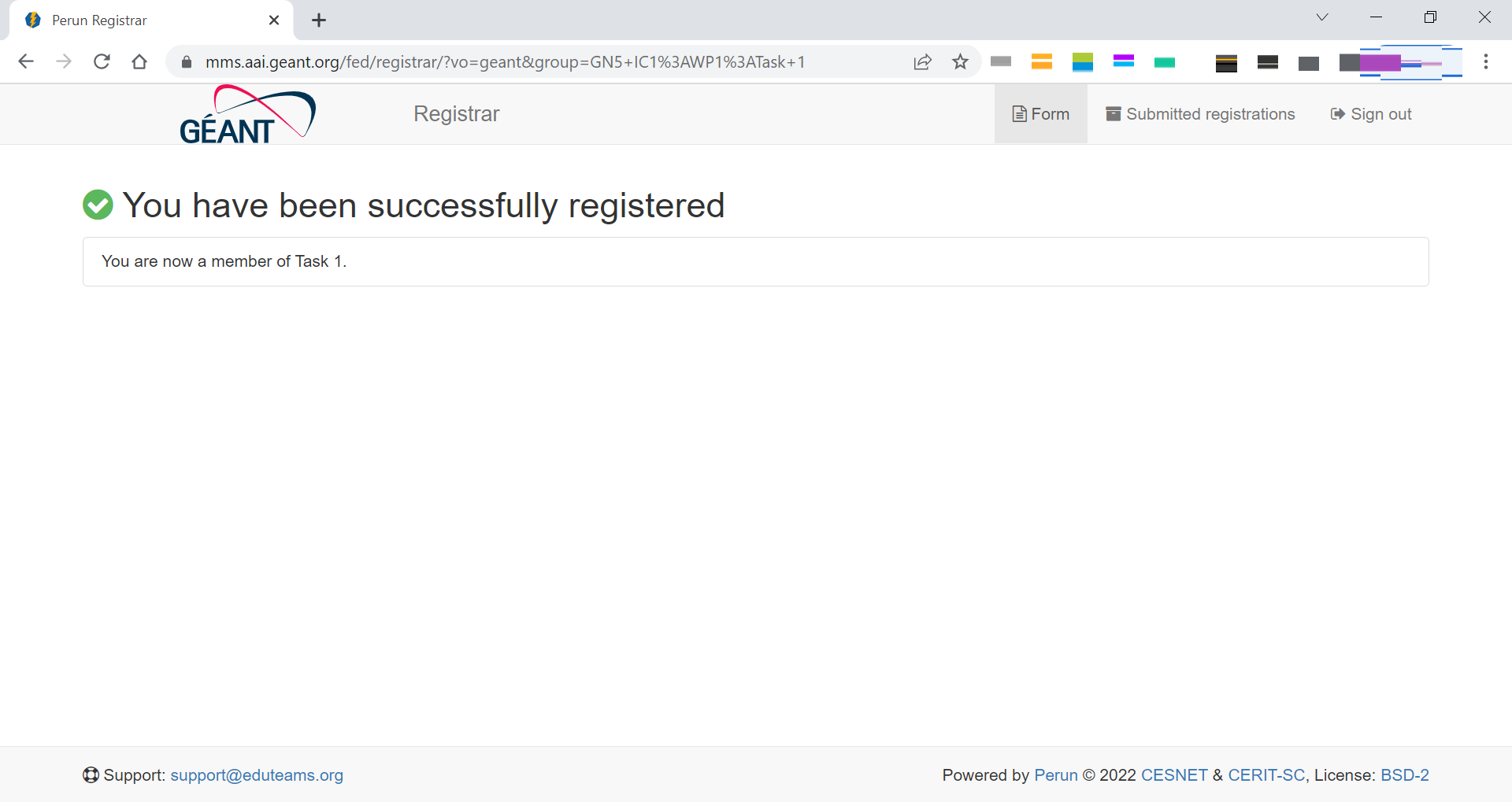 Image Added Image Added
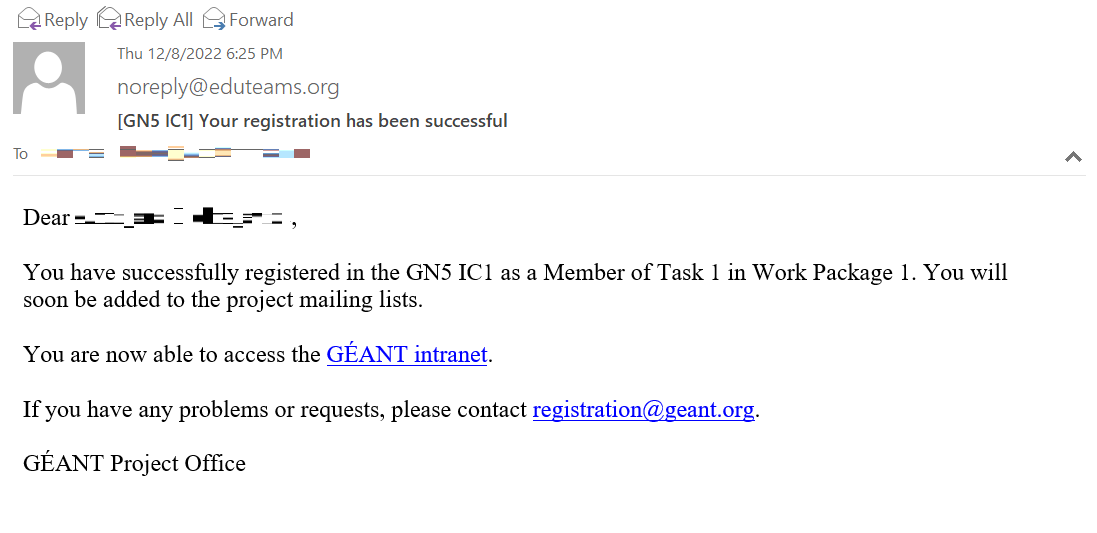 Image Added Image Added
|
|

