
...
There is one option (currently available for Android devices only) which is of special interest. It is called Show the dedicated geteduroam download page for this device. If you turn this on then the users accessing this profile on Android devices will see:
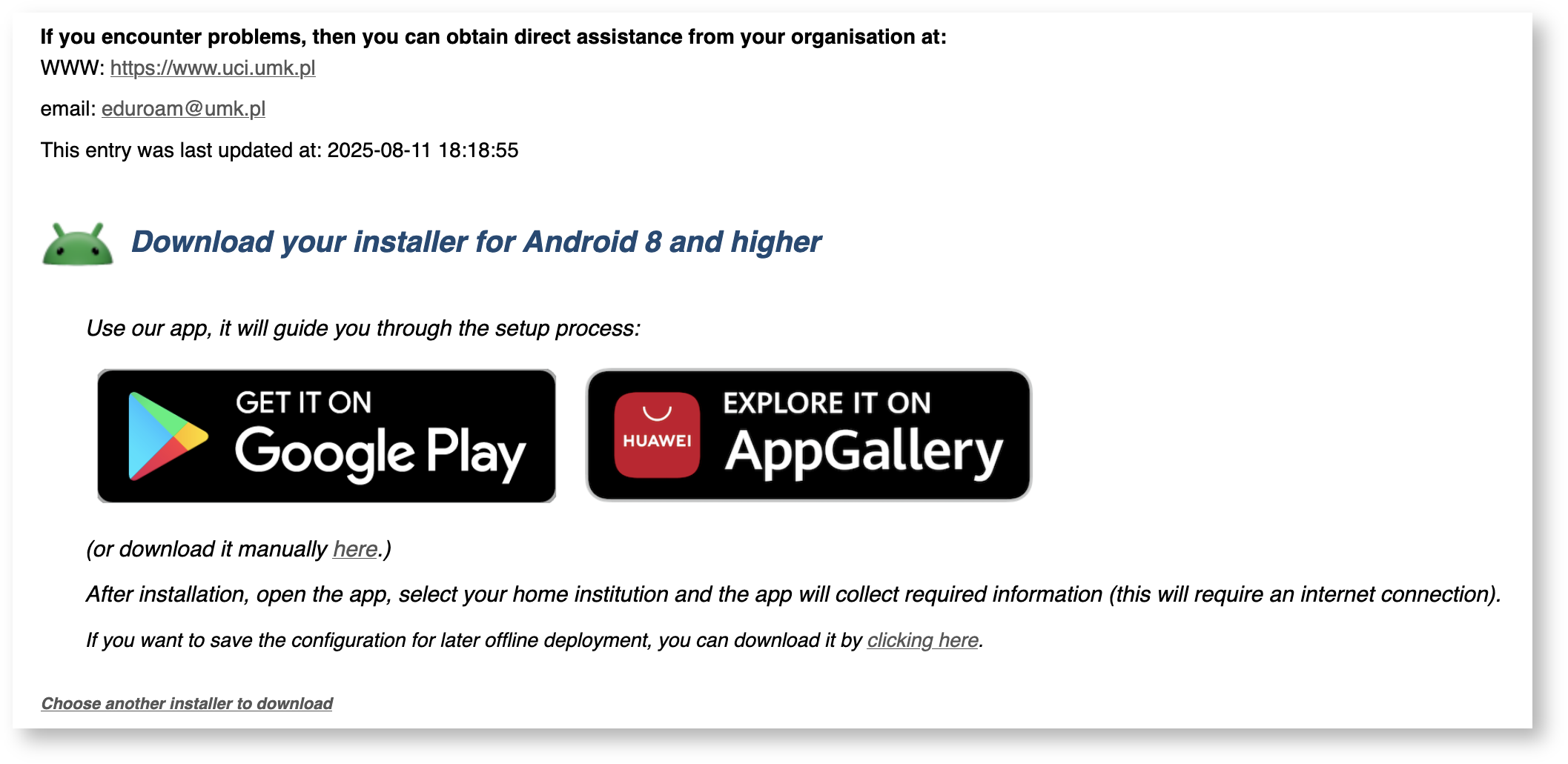
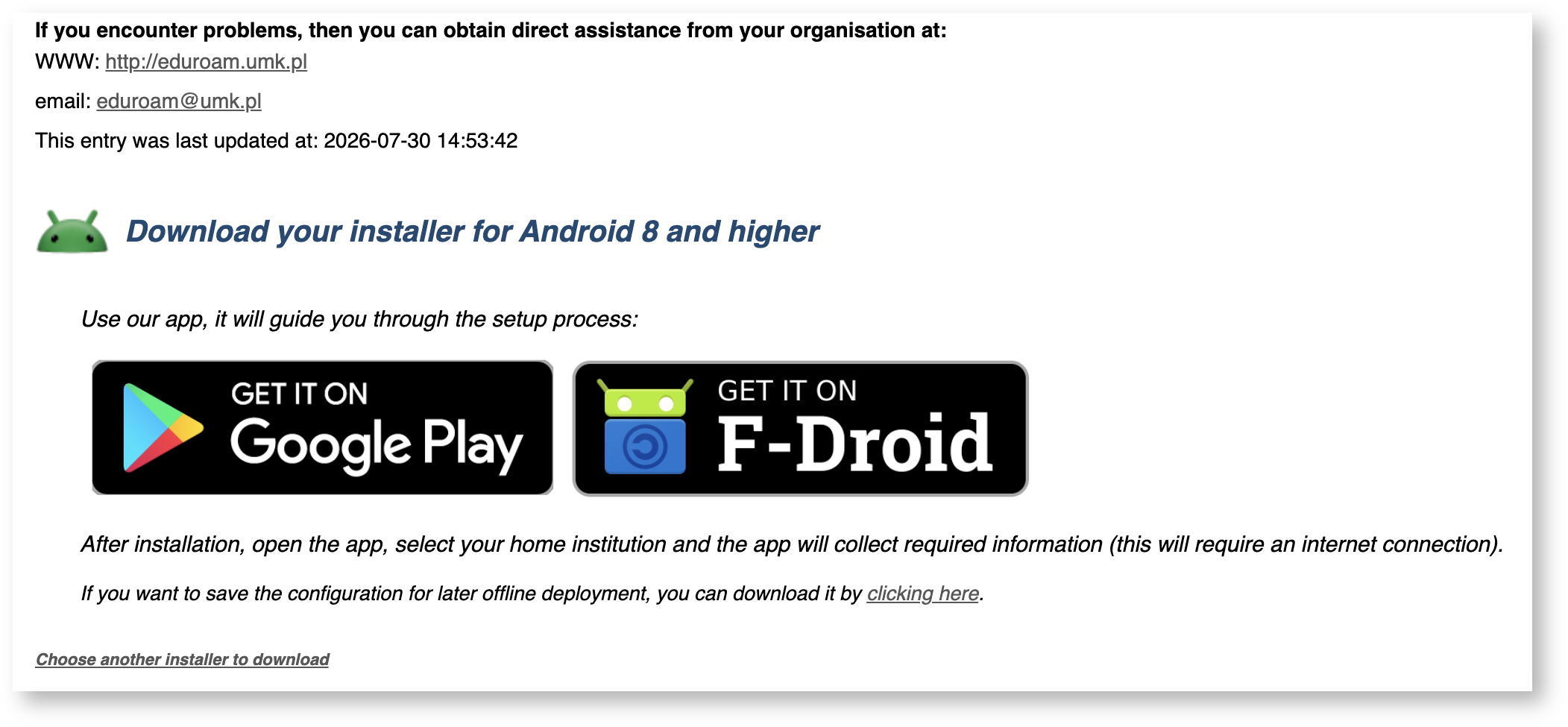
The plan is that in future this approach may ba be available for more devices and possibly become a default one.
...
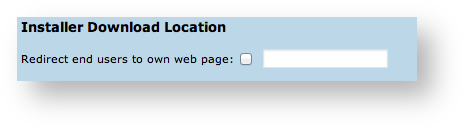
- Make the EAP profile visible, but redirect users to your own support pages (entry is listed, but no download on the public page). This can be set in Profile options - see screenshot.

- Make the EAP profile visible with installers, but redirect certain devices to your own pages. Use the Fine-Tuning matrix to set the Redirect option for the device (see previous section).
- Make all installers visible.
...
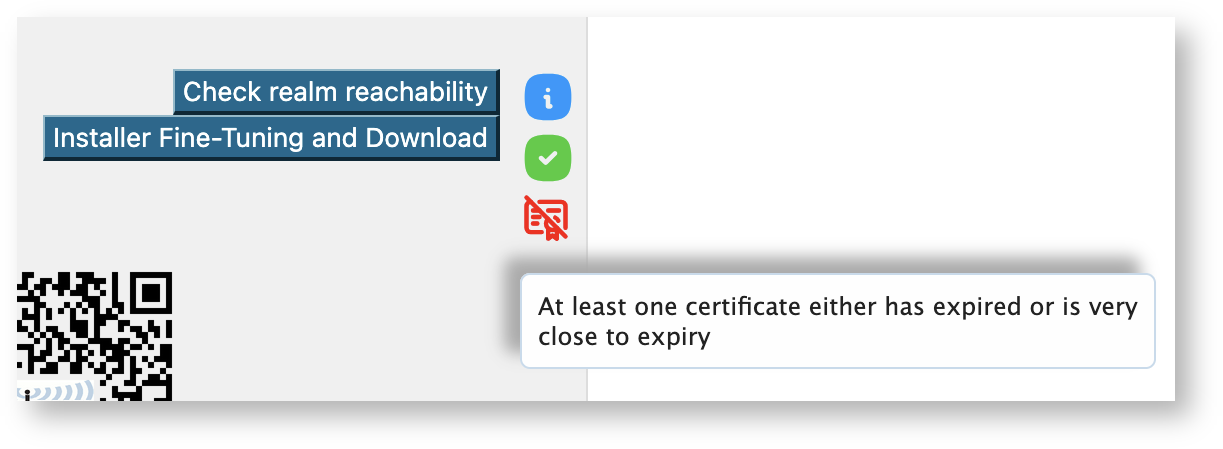
On the institution overview page you can also see icons showing the status of your profile, some examples are shown below:


you can hover with your mouse over it to get a more detailed explanation of the meaning of each of the icons.
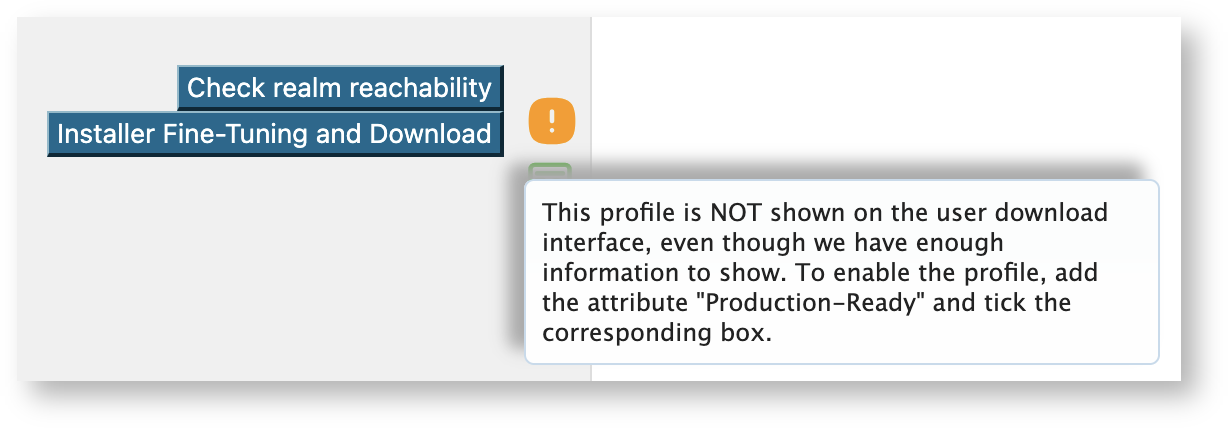
a more detailed explanation of the meaning of each of the icons.
CAT runs daily connectivity tests and the results are displayed in a form of an icon on the Check realm reachability button (except for cases where tests cannot be done like redirected profiles or profiles missing a realm setting). If you click the Check button then a test will be run on demand and will update the status in the database (see section below).
The crossed-out padlock icon denotes profiles that do not preserve anonymity, i.e. do not the outer identity set (this is only shown for profiles using passwords, i.e those with EAP-TLS set are not verified). In general eduroam strongly encourages the use of anonymity, hence the warning.
Verifying my RADIUS setup
If you have supplied the CAT with the realm which you are using in eduroam, an extra service is enabled for you: the CAT can send live data probes through the eduroam infrastructure to see if your realm's RADIUS server is reachable and whether it passes various sanity checks. All these tests are triggered by pushing the button "Check realm reachability". You will be presented with an overview page immediately while various tests are executed in the background:
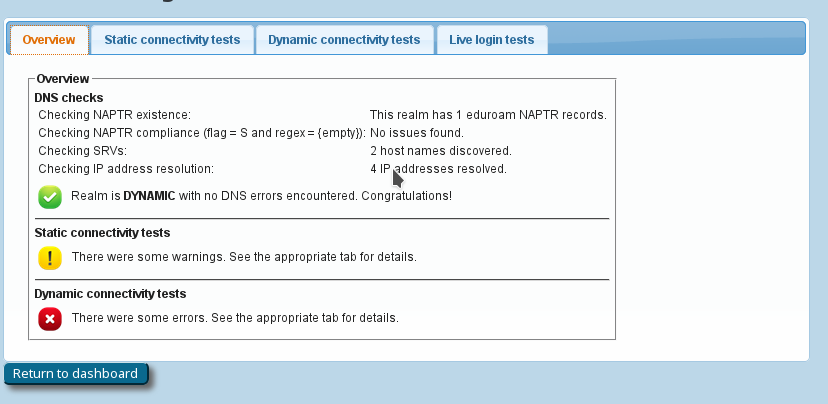
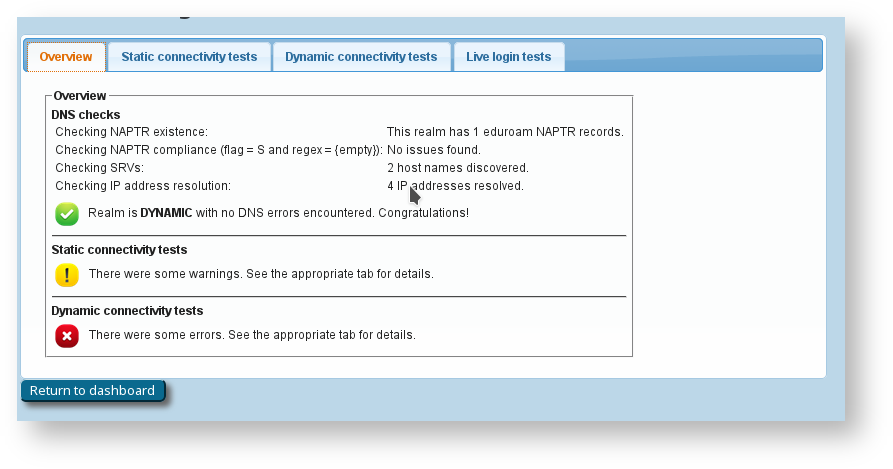
The tests will take a few to several tens of seconds, and will give you an in-depth overview of how your RADIUS server is doing in the world of eduroam. The tests include
- a DNS check whether your realm is publishing NAPTR records for eduroam Dynamic Discovery; and if so, whether all DNS records are correct (if you don't know what Dynamic Discovery is, please talk to your national federation operator. It's cool!). If the DNS checks were successful, the CAT will make actual use of the discovered RADIUS Dynamic Discovery server targets and try to connect. It will present a mix of valid and invalid certificates and will check whether the server acted correctly on receipt of these certificates.
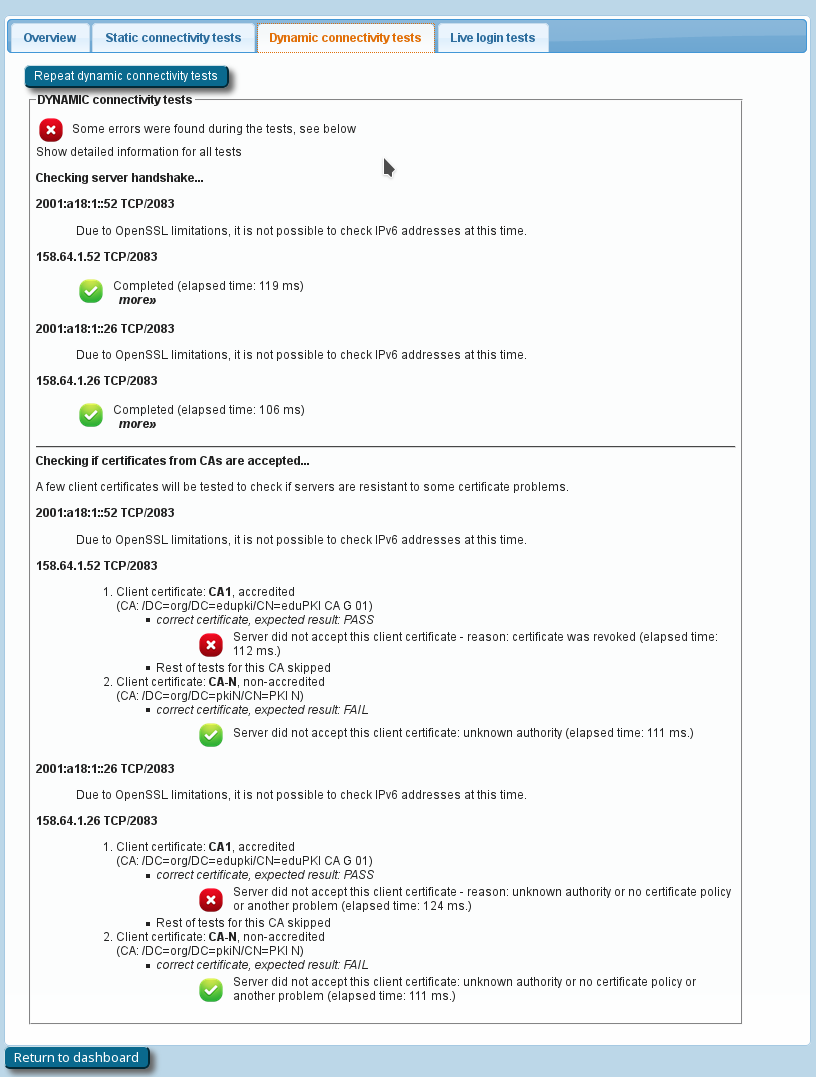
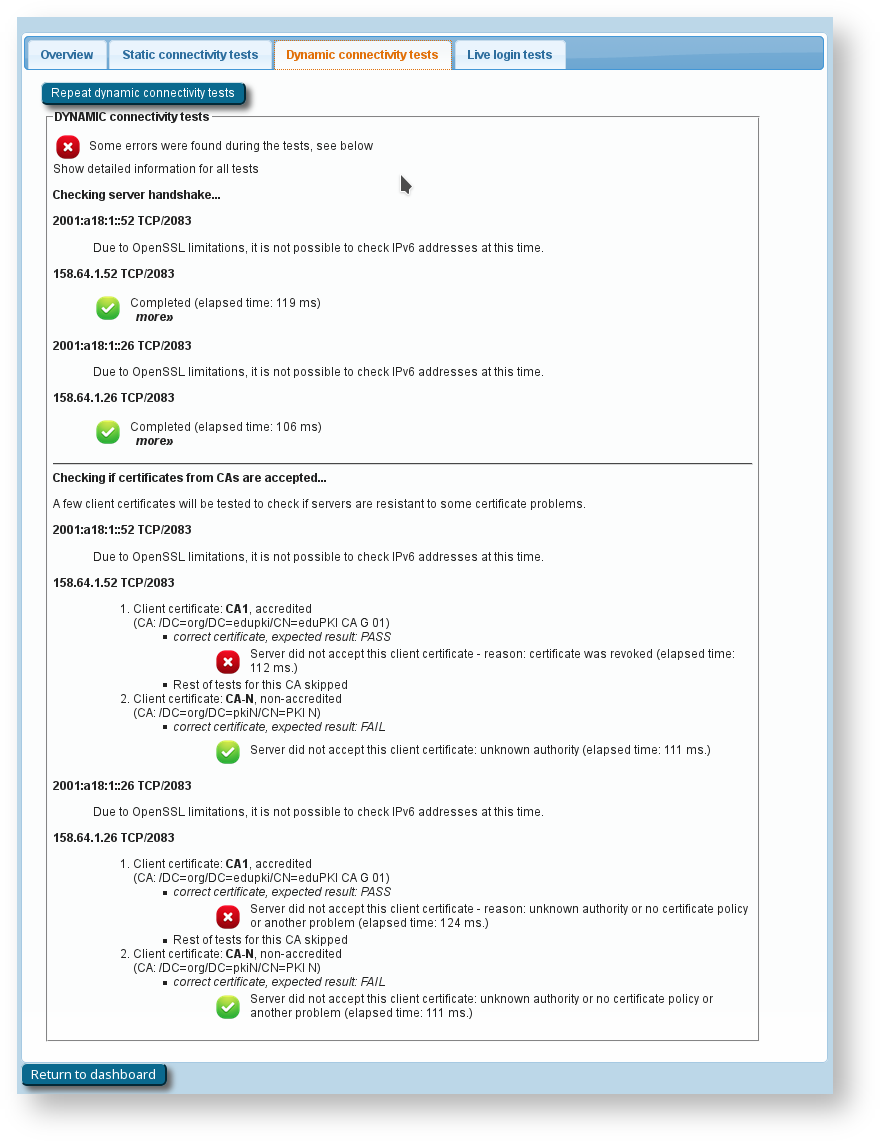
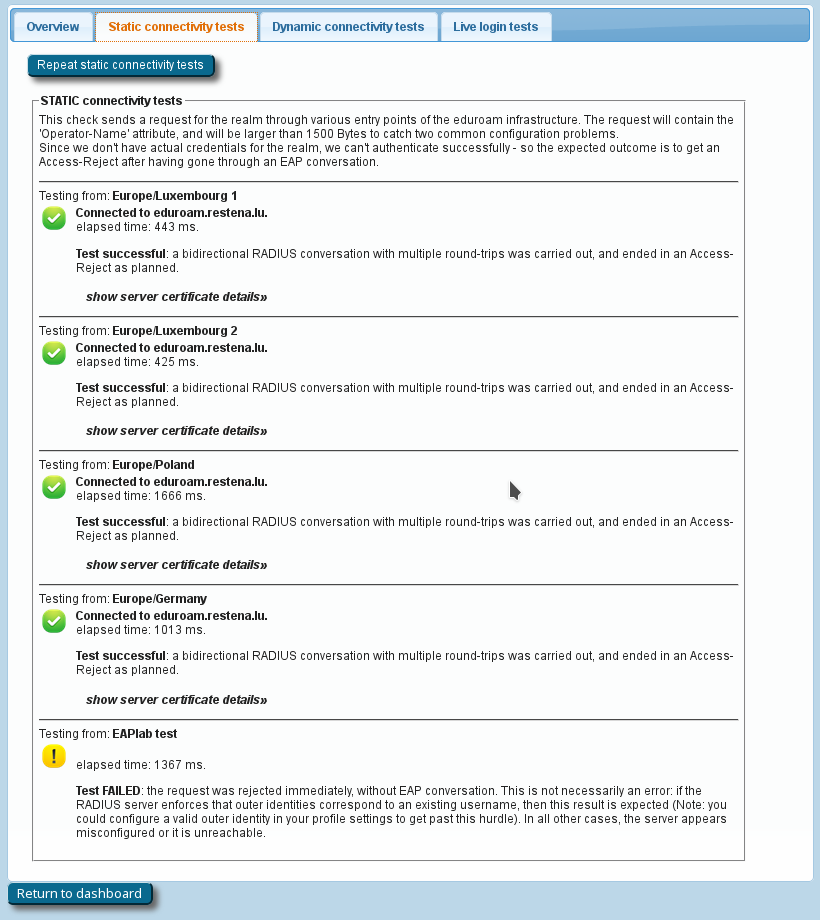
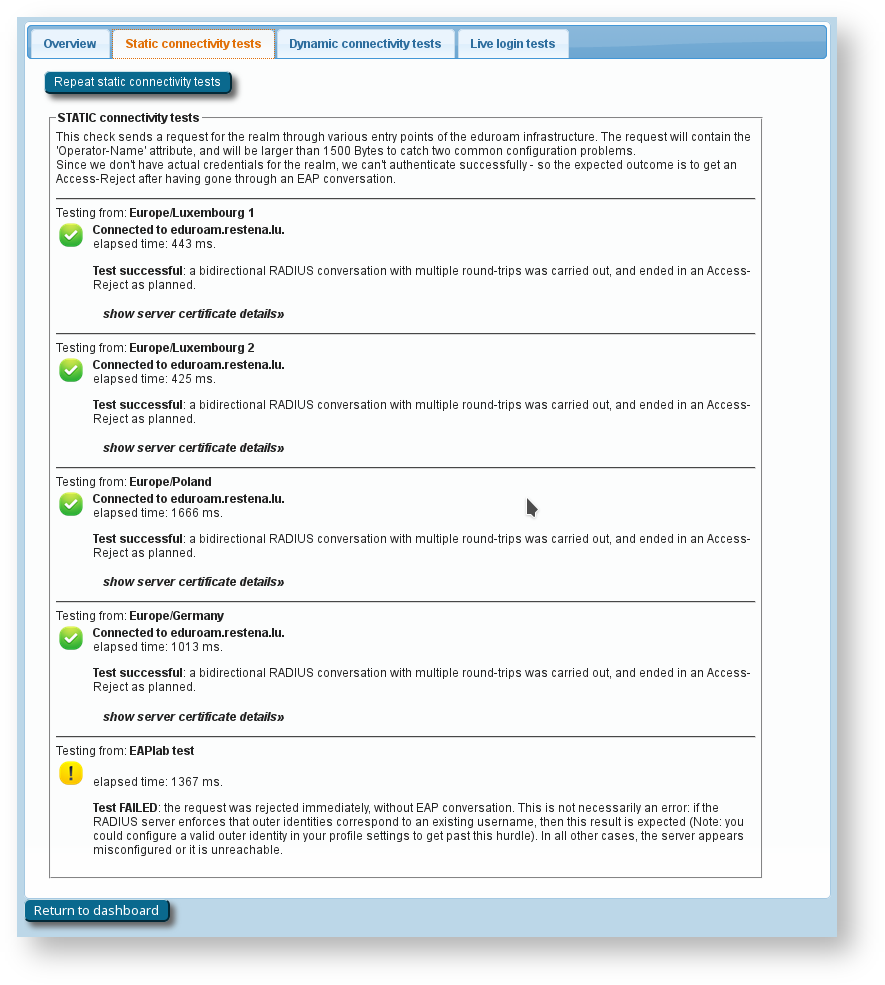
- the results of actual authentication tests which were sent in the moment you pushed the button: these will not log anybody in (we don't have actual user credentials) but even with the planned failed authentication, we can run lots of diagnosis on your server. The web page will let you know if we found some oddities you might want to take care of:
- Authentication round-trip times to your realm which take more than 5 seconds are suspicious
- Your server must be able to send and receive UDP fragments (some firewalls choke on that)
- There are a number of RADIUS attributes that are commonly present in authentication requests; some servers behave strangely on receipt - we'll let you know if yours is problematic
- Checks regarding the structure and validity of your server, intermediate and root CA certificates. These checks are as thorough as checking everything that is described in prose on the EAP Server Considerations page. Here is a typical output if your server certificate is "from the 1990s" (i.e. didn't keep up with all the recommendations and requirements on server certificates in recent years):
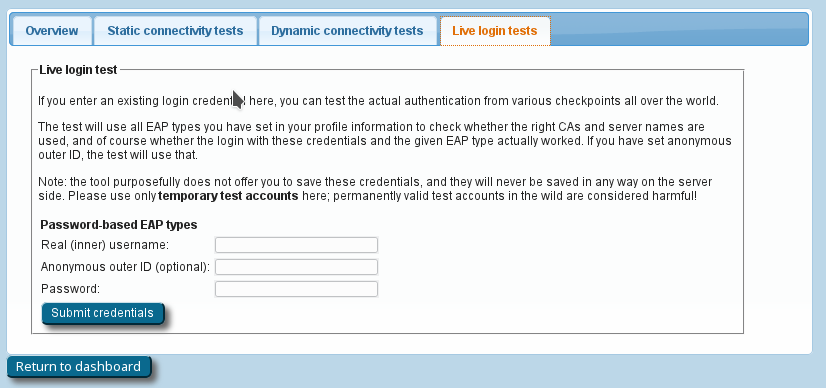
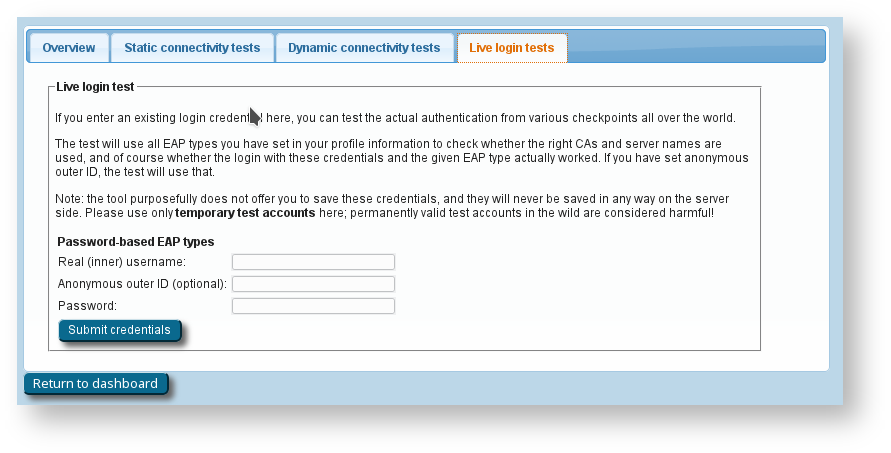
- If you feel comfortable giving CAT access to short-lived real authentication credentials (for debugging purposes with test user accounts only!), then you can run an actual positive authentication test; in which case we can run even more diagnosis.
Other features
...
The Linux installer is a Python 3 script. It is meant to interact with the Network Manager and for GUI uses one of tkinter, zenity, kdialog, yad and if none is found it falls back to simple text. If you are not using Network Manager then you could still generate a complete configuration file for either spa_supplicant or iwd. Run the installer with --help option to see more details.
Similarly to the Windows installer, the Linux installer can be run silently by using -s or --silent flag. You can also provide the username and password as the command line argument. Notice that you still need to add the silent flag to run the script completely in the background.
Replacing the RADIUS server root CA certificate
...